
Key Takeaways
- Schema markup helps search engines interpret a local business’s name, address, contact details, and operating hours.
- Choose the most specific applicable schema type, such as Restaurant or Dentist, instead of defaulting to LocalBusiness.
- JSON-LD is Google’s recommended structured data format. Replace all template placeholders with accurate, verified business information.
- Check for duplicate markup, validate the code, and keep structured data consistent with the details visible on your website.
- Schema can support eligibility for certain search features, but it does not guarantee higher rankings or rich results.
A well-written website tells visitors what a business does. But search engines also need clear signals to interpret their details. That is where schema markup comes in. It gives information such as a business name, address, phone number, and opening hours a structured format that search engines can process.
For businesses investing in local SEO services, schema is one part of the technical picture. It isn’t a shortcut to better rankings, and adding a few lines of code won’t fix a weak website. Still, when implemented properly, it can help search engines make sense of the information already published on a site.
Here’s how to choose the right schema type, customize a working template, and check your implementation without getting lost in technical jargon.
What Is Local Business Schema Markup?
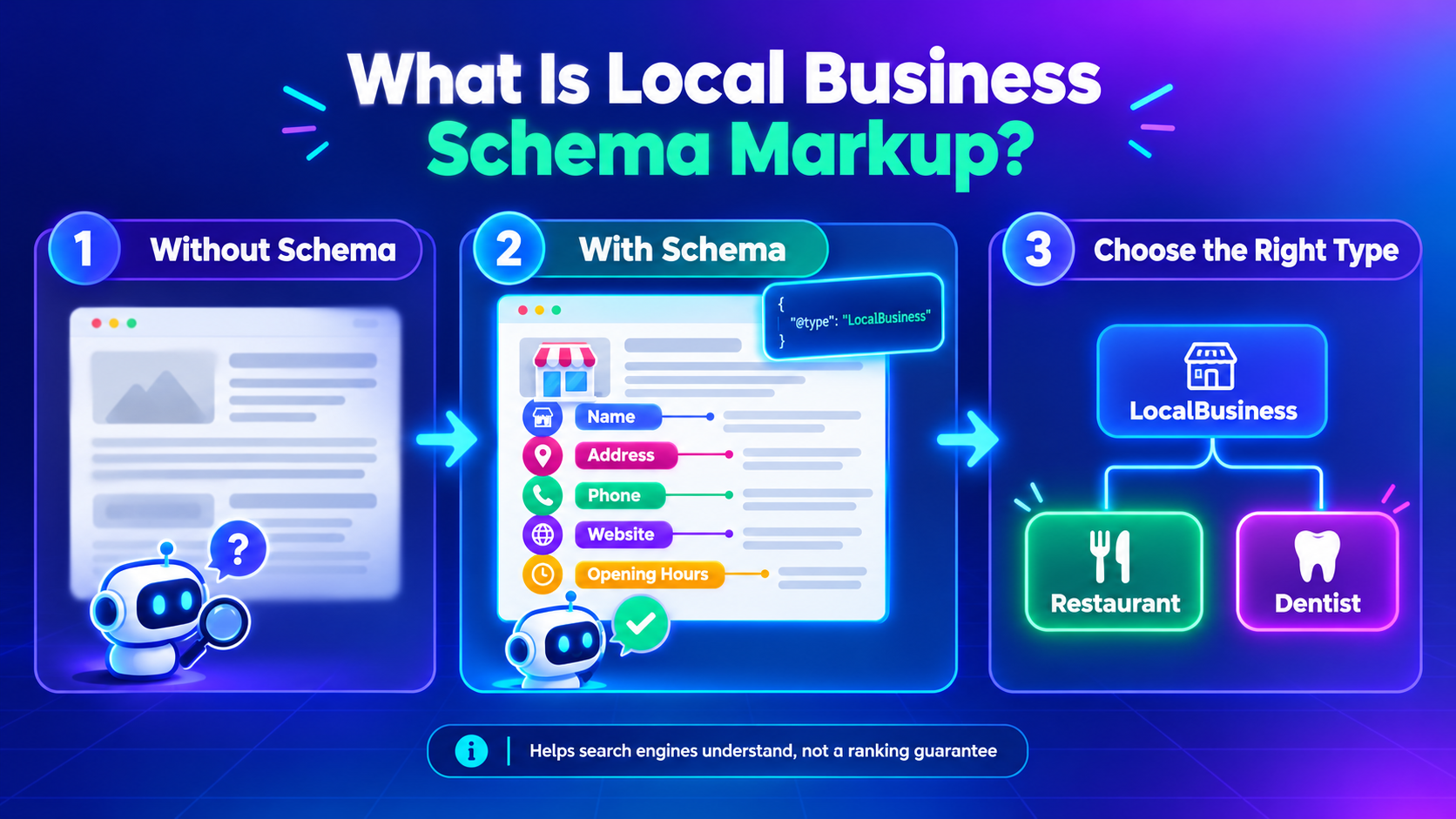
Schema markup is structured data built around the vocabulary maintained by Schema.org. Instead of leaving search engines to infer every detail from page copy, it labels information in a more explicit way.
The LocalBusiness type describes businesses with details such as their name, address, telephone number, website, and opening hours. A more specific subtype may be appropriate, too. A restaurant, for instance, can use Restaurant; a dental practice can use Dentist.
The distinction matters. Choose the type that best represents the actual business rather than defaulting to LocalBusiness every time.
One important caveat: valid schema does not guarantee higher rankings or enhanced search results. It helps search engines interpret the data and may establish eligibility for supported search features.
Why Does Schema Matter for Local SEO?
Local searches often depend on practical details. Is the business in the right area? Can customers contact it? Is it open when they need it?
If these elements are clearly marked up, schema can help to clarify this information. It may also render search engines more mindful of the relationship between a company, the services it offers, and its own area.
For local businesses, useful benefits include:
- Clearer business information: Identify the business name, address, phone number, and operating hours.
- Search feature eligibility: Supply structured data required for certain supported Google search features.
- Better technical consistency: Keep the information in the code aligned with what visitors see.
- More explicit context: Help search engines distinguish a business entity from the other information on a page.
Schema alone won’t carry a local SEO strategy. Useful content, accurate business listings, a crawlable website, and a good user experience still matter.
Copy-and-Paste Local Business Schema Markup
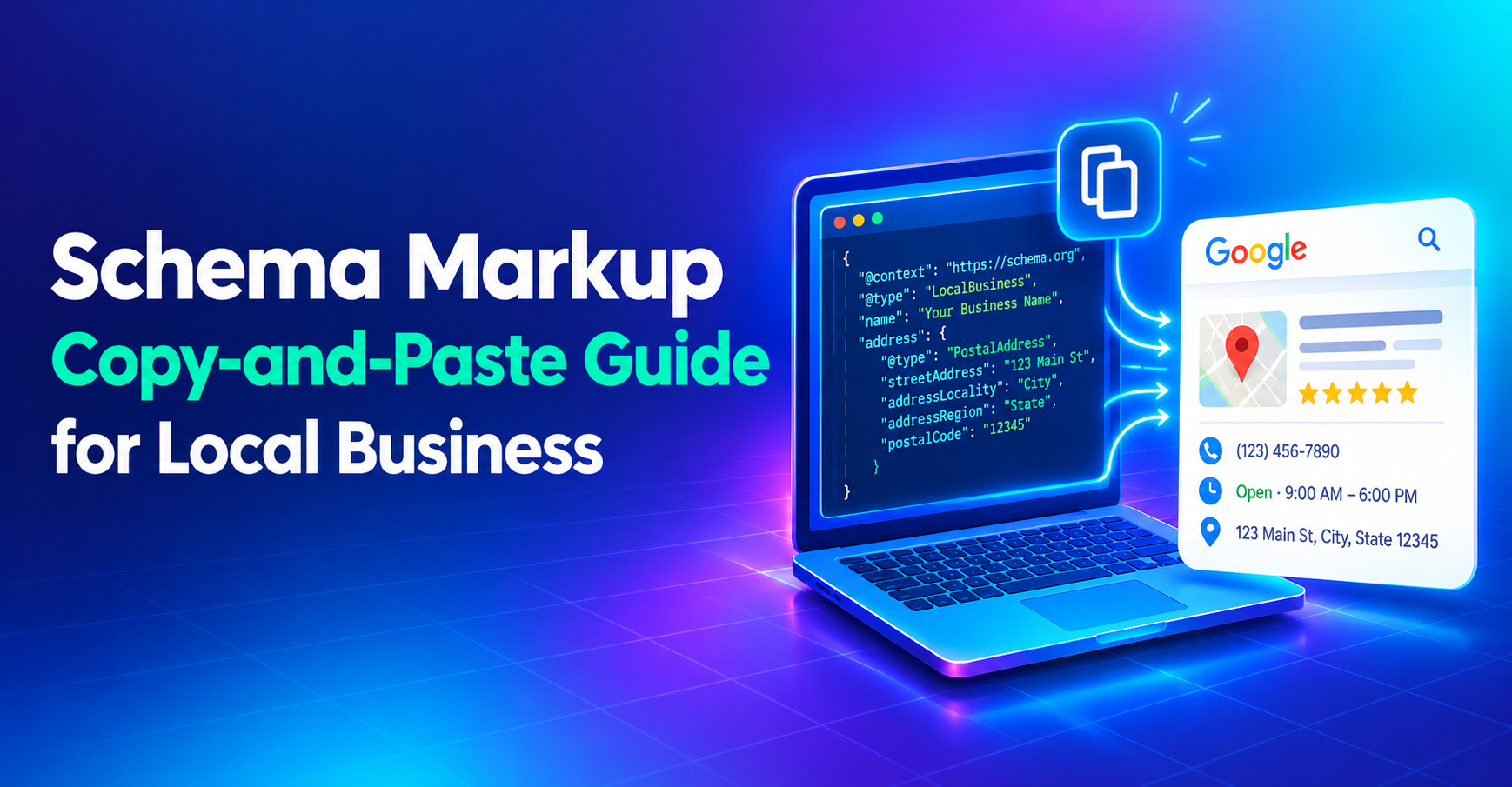
JSON-LD is Google’s recommended format for structured data. The template below is a starting point for a business with a physical location. Replace every example value before using it.
<script type=”application/ld+json”>
{
“@context”: “https://schema.org“,
“@type”: “LocalBusiness”,
“@id”: “https://www.example.com/#business“,
“name”: “Your Business Name”,
“url”: “https://www.example.com/“,
“telephone”: “+1-555-555-5555”,
“address”: {
“@type”: “PostalAddress”,
“streetAddress”: “123 Main Street”,
“addressLocality”: “Your City”,
“addressRegion”: “Your State”,
“postalCode”: “12345”,
“addressCountry”: “US”
},
“openingHoursSpecification”: [
{
“@type”: “OpeningHoursSpecification”,
“dayOfWeek”: [
“Monday”,
“Tuesday”,
“Wednesday”,
“Thursday”,
“Friday”
],
“opens”: “09:00”,
“closes”: “17:00”
}
]
}
</script>
Review all fields prior to publishing. Provide the actual site URL, a functioning phone number, the correct address, and correct business hours. Update country/region as per business. Do not use the example values as a live page.
The @id provides a stable identifier for the business entity. Keep it consistent when referring to that same entity across pages. This can help avoid creating several competing versions of the business in your site’s structured data.
A business with multiple locations may need distinct entity details for each location. If customers do not visit physical premises, assess whether Organization or another applicable type better reflects the business. Never add an address simply to make the markup look complete.
How to Add Schema to Your Website
You can add JSON-LD through your content management system, an SEO plugin, or the website’s source code. If you’re using professional web development services, ask the developer to check for existing markup before adding another block.
Follow these steps:
- Choose the right page. Begin with a starting point page or a page on the site that is relevant to the site.
- Customize the template. Fill in blanks with correct information that corresponds to what is on the screen.
- Insert the JSON-LD. Add the script to the page’s HTML, typically in the head or body.
- Check for duplicates. Some themes and plugins generate schema automatically. Avoid conflicting descriptions of the same business.
- Validate the markup. Review Google’s Local Business structured data documentation for supported properties and testing guidance.
- Check after publishing. Use Google Search Console and URL Inspection to investigate crawling, indexing, or structured data issues.
Don’t settle for a successful test. A validator can detect technical issues but not verify all the business information. Check both.
Common Schema Markup Mistakes to Avoid
Small errors can undermine an otherwise sensible implementation. Watch for these issues:
- Invented details: Never add a fictional address, phone number, or service location.
- Outdated opening hours: Update the markup when business hours change.
- Overly broad schema types: Use a more specific subtype when one accurately applies.
- Unsupported review claims: Ratings and reviews must follow Google’s applicable guidelines.
- Duplicate entities: Check whether plugins, templates, or other scripts already describe the business.
- Ranking promises: Schema does not guarantee better positions or rich results.
The markup should describe the business as it actually exists—not an idealized version created for search engines.
For companies working with a digital marketing agency, schema implementation is best treated as part of a broader technical SEO process. CRM Digital Inc. provides digital marketing and website-related support; learn more at crmdigitalinc.com.
Frequently Asked Questions
1. What is local business schema markup?
Local business schema is structured data that describes a business in a machine-readable format. It can identify details such as the business name, address, telephone number, website, and opening hours, helping search engines interpret information published on the site.
2. Does schema markup improve local SEO rankings?
Schema markup does not guarantee higher rankings. It helps search engines understand business information and may support eligibility for certain search features. Useful content, accurate business listings, website performance, and other local SEO factors remain important.
3. Which schema type should a local business use?
Choose the most specific type that accurately represents the business. A restaurant may use Restaurant, while a dental practice may use Dentist. Use LocalBusiness when a more specific applicable subtype is not suitable.
4. Where should local business schema be added?
You can add business schema to the homepage or a page that clearly describes the business. Businesses with multiple locations may need separate location-specific markups. Each implementation should reflect the page’s visible content and avoid duplicate or conflicting entity details.
5. How can I test whether my schema markup works?
Use Google’s Rich Results Test to check eligibility for supported rich results and Schema.org’s validator to review structured data syntax and vocabulary. Google Search Console and URL Inspection can help identify crawling or indexing issues. Passing a test does not guarantee that an enhanced result will appear.