
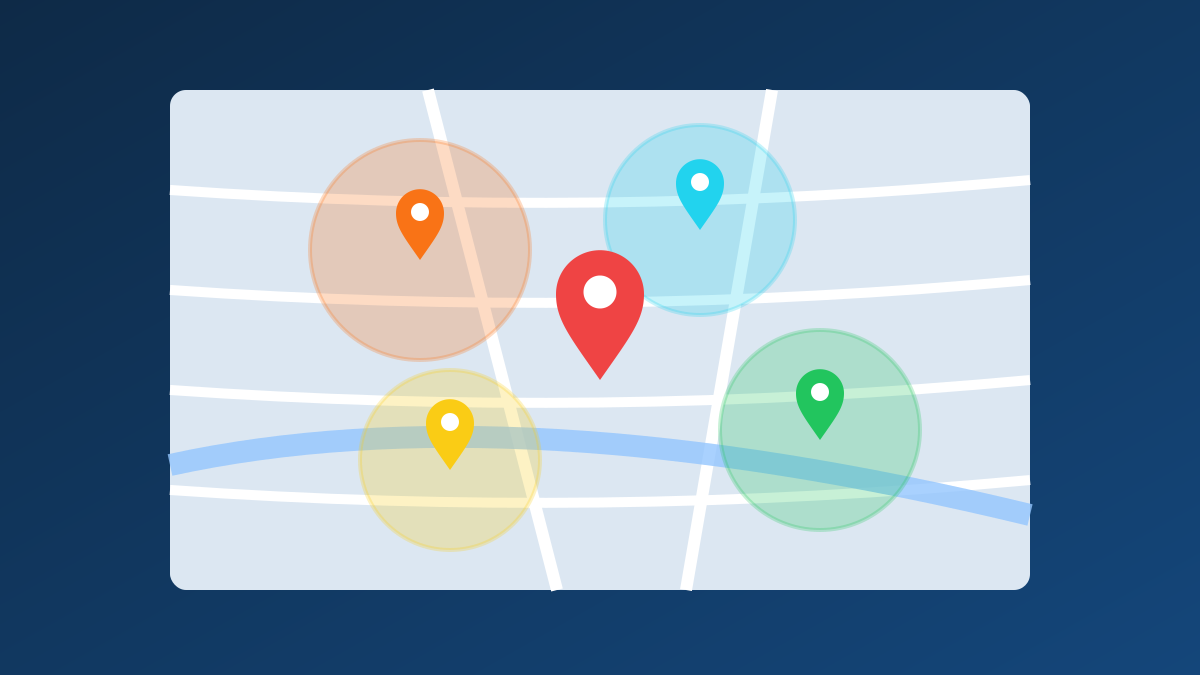
If your business serves customers across Greater Houston, your website needs to show Google where you work, not just where your office is. Service area pages do that. But most businesses build them the wrong way, and pages that copy the same text for every city rarely rank. This guide shows how to do them right. It’s part of our complete guide to local SEO in Houston.
What is a service area page?
A service area page is a page on your website that targets a specific city, suburb, or neighborhood you serve, such as “AC Repair in League City.” It explains the services you offer there, shows local proof such as projects and reviews, and gives customers in that area a clear way to contact you.
Why do service area pages matter for local SEO?
Google ranks local businesses on relevance, distance and prominence, as our local SEO guide explains. You can’t change your office location, but service area pages add relevance for the places you serve. They can rank in organic results for searches like “plumber in Friendswood,” and they support your Map Pack visibility in those areas.
They also help customers. Someone in Texas City wants to know you actually work in Texas City, how quickly you can get there, and whether neighbors have used you.
How do you create service area pages without duplicate content?
Make each page genuinely different. Include local projects, reviews from customers in that area, local details such as housing types or permit requirements, and answers to questions people there actually ask. Never publish the same page with only the city name swapped.
What should a good service area page include?
-
A clear, local headline and introduction
Use the service and the area in the title, H1, and opening paragraph, such as “Roof Repair in Pearland, TX.” Then say plainly what you do there and how you serve that community.
-
Local proof
This is what separates strong pages from thin ones:
-
Projects completed in that area, with photos and a short description
-
Reviews from customers who live or work there
-
Named neighborhoods, landmarks, or subdivisions you serve, where it’s natural
-
Local details
Add information that’s specific to the area: common problems such as older homes, flooding or hard water, local permit or HOA considerations, typical response times, and parking or access notes.
-
Services offered in that area
List the services you provide there and link to each main service page. If some services aren’t available in that area, say so.
-
A local FAQ
Answer three to five questions people in that area ask, such as “Do you serve Clear Lake Shores?” or “How fast can you get to Seabrook?”
-
A clear call to action
Make the phone number, contact form, and booking options easy to find.
How many service area pages should you create?
Start small. Five strong pages for the areas that bring the most revenue will outperform 50 near-identical pages for every suburb. Add new pages as you gather real projects and reviews from each area.
What mistakes should you avoid?
-
Copy-and-paste pages: identical text with only the city name changed is treated as thin or doorway content.
-
Targeting areas you don’t serve: it misleads customers and wastes effort.
-
Orphan pages: every service area page should be linked from your navigation, a “Service Areas” hub page, or related service pages.
-
Keyword stuffing: repeating the city name in every sentence reads poorly and doesn’t help rankings.
How do service area pages connect with your Google Business Profile?
Your Google Business Profile lists the areas you serve, and your service area pages back that up on your website. Keep the two consistent: if your profile lists League City, your website should have useful content about League City. For more on the profile side, see how to rank in the Google Map Pack in Houston.
Well-built location pages also help with AI search. Clear, answer-first content about where you work makes it easier for AI tools to mention you. Read more on how AI Overviews are changing local search for Houston businesses.
Build service area pages that actually rank
CRM Digital Inc.plans and writes service area pages for Houston and Bay Area businesses, built around real local proof rather than templates. Book a free consultation to see which areas to target first, or read our complete guide to local SEO in Houston for the full picture.
Frequently asked questions
1. Can a service area page rank in the Google Map Pack?
Not directly. The Map Pack shows Google Business Profiles, not website pages. Service area pages rank in the organic results below the map and add local relevance that supports your profile’s visibility in those areas.
2. Should I create pages for areas where I don’t have an office?
Yes, as long as you genuinely serve those areas and can add useful local content, such as projects, reviews, and area-specific details. Don’t create pages for places you don’t serve, since that misleads customers.
3. How long should a service area page be?
Long enough to be genuinely useful. Many strong pages run 500 to 1,000 words, but local proof matters more than length. A shorter page with real projects, reviews, and local answers will outperform a long page of generic text.